
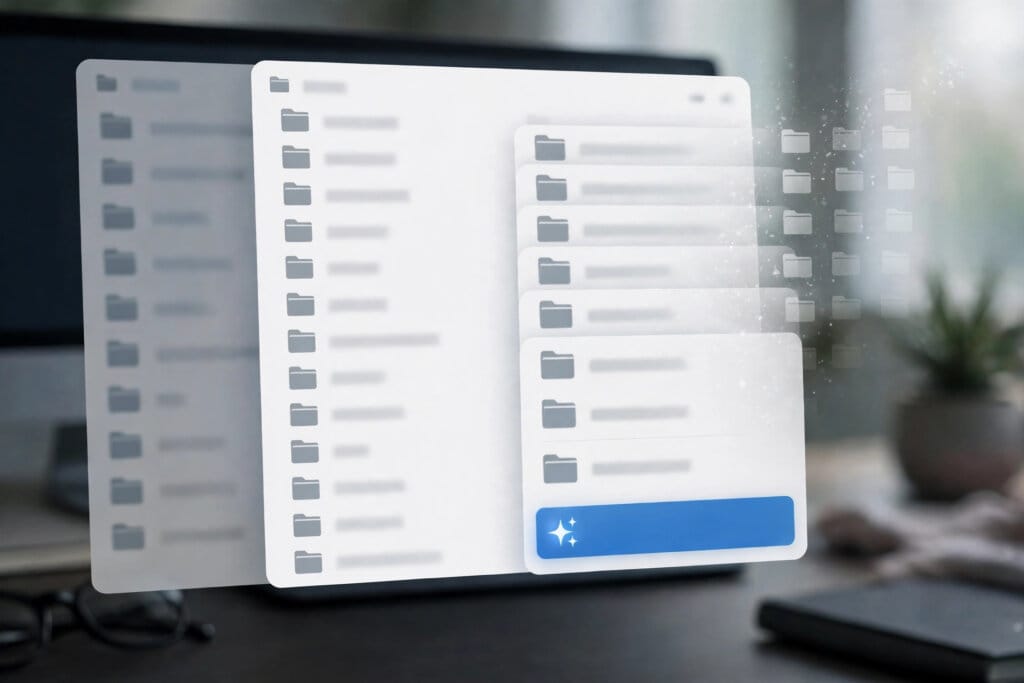
Microsoft is retiring all eight dedicated OneDrive Copilot actions from the Windows 11 File Explorer context menu, the company has told Microsoft 365 administrators in Message Center notice MC1515940. The retirement begins in mid-November 2026 and is expected to complete by early December 2026, in General Availability worldwide.
Microsoft frames the change as simplifying how people use Copilot with their OneDrive files in File Explorer: instead of a menu of single-purpose AI actions, users will be routed to one central entry point.

OneDrive Copilot Actions: The Eight Being Retired
The actions disappearing from the right-click menu are Summarize, Create FAQ, Compare Files, Ask a question, Explain image, Explain images, Compare images and Extract text. Together they covered the most common file tasks Copilot offered inside Explorer: condensing a document, turning it into a question-and-answer sheet, comparing two files or two images, explaining what an image shows, and pulling text out of a file.
The capabilities themselves are not being deleted. Microsoft stresses that the same OneDrive Copilot actions will remain available in the OneDrive activity centre, and that the retirement is specifically about the File Explorer context menu surface.
OneDrive Copilot Actions: What Replaces Them
After the change, users can right-click a OneDrive file and select the single Ask Copilot entry, or hover over a file in File Explorer Home and select the Copilot icon. Either route opens a new Copilot conversation with the file attached. Files are attached by reference, Microsoft notes, so their existing permissions and protections continue to apply — sharing a file with Copilot does not widen who can see it.
For anyone who uses Microsoft Copilot across Windows and Microsoft 365, the practical difference is one extra conversational step: instead of picking “Summarize” from a menu, the user opens a chat and asks. The trade is a cleaner menu against slightly slower access to fixed, one-click tasks.
OneDrive Copilot Actions: Rollout And Admin Impact
No administrative action is required, Microsoft says. It recommends that organisations notify users about the change and update any training or help-desk documentation that references the retiring File Explorer context menu actions. The notice lists OneDrive, Copilot and File Explorer as the affected platforms and services, and everyone who uses Copilot with OneDrive files in File Explorer as affected.
The Register, reporting the same notice, places the retirement in the direction Microsoft’s Windows chief Pavan Davuluri set out in March 2026 — “we are reducing unnecessary Copilot entry points” — and notes that the File Explorer actions were only introduced in September 2025, making this a little over a year between launch and retirement. It follows a similar consolidation pattern to the model retirements tracked in GitHub Copilot’s October model changes.
Why It Matters
The OneDrive Copilot actions in File Explorer are a small feature with a large signal: Microsoft is consolidating Copilot’s sprawl of entry points into a single conversational door. For users, that means the assistant becomes one product to learn rather than a different menu in every app — the same logic behind the plan structure explained in Copilot’s pricing tiers. For Microsoft, fewer surfaces mean fewer features to maintain and measure, and a clearer test of whether people actually want AI help with their files when it is not one click away. The risk is discoverability: actions buried inside a chat prompt are easier for casual users to miss entirely, which is the tension every platform shipping embedded AI features is now working through.
Background
Microsoft added the OneDrive Copilot actions to the File Explorer context menu in September 2025, part of a broad push that put Copilot buttons and menus across Windows, Office and its cloud services. The push drew criticism that Copilot was appearing in places users had not asked for it, and in March 2026 the company’s Windows leadership publicly committed to reducing unnecessary entry points. The File Explorer retirement, arriving just over a year after the features launched, is one of the clearest follow-throughs on that commitment so far.
Source: Microsoft 365 Message Center notice MC1515940 (Microsoft official); The Register




0 Comments