

OpenAI has added a dedicated presentation builder to ChatGPT, allowing eligible teams to create, edit and present slide decks without leaving the service. The feature, called ChatGPT Slides, was detailed in OpenAI release notes dated Friday, October 16, 2026, and reported on October 17.
Decks live in Space, the shared workspace OpenAI launched on September 29, which replaces Library on accounts that have it. To start, users ask in Work mode to create a presentation in Space, and the deck is built and stored there.
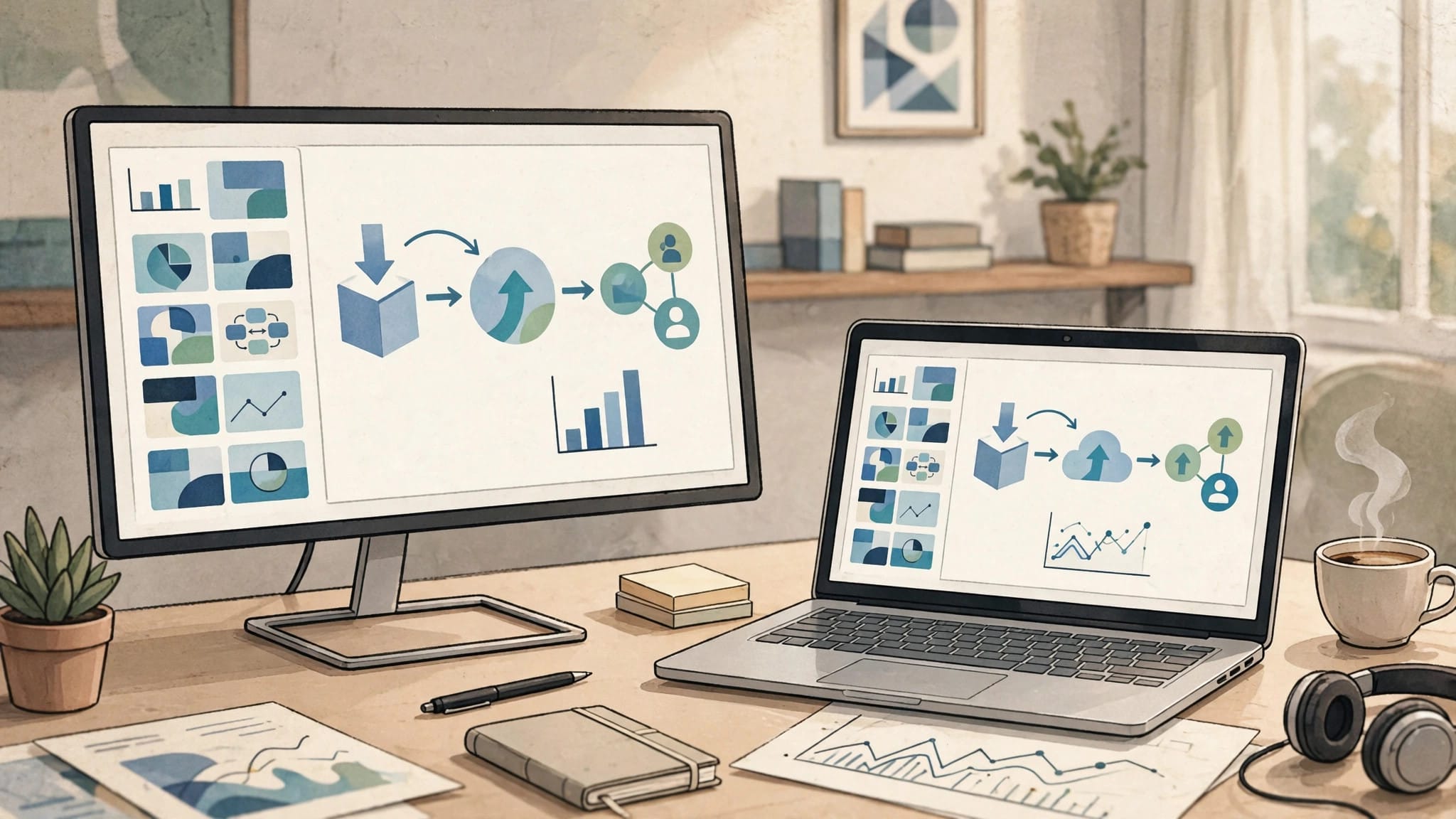
Starting A Deck From A Conversation, Files Or An Example
A deck can begin from four kinds of input: an existing conversation, uploaded files, a written outline, or an example deck. With an example deck, the system copies its style and layout, so a team template carries into the new presentation instead of being rebuilt slide by slide.
That range of starting points fits how the assistant is already used for drafting and summarising, as explained in our guide to what ChatGPT is. Source material discussed in chat can move directly into slides, rather than being exported and rebuilt in a separate application.
Editing, Custom Images And Real-Time Co-Editing
Slides can be edited in two ways: directly by hand, or by asking the assistant to make the change. Text, images, shapes and charts are all editable objects, and the assistant can generate custom images for a deck when stock or uploaded visuals do not fit.
Collaboration runs inside the same workspace, with teammates able to co-edit in real time and leave shared comments on the deck. Presenting also happens from inside the service, so a finished deck does not need to be moved elsewhere before it is shown to an audience.
The combination puts drafting, design help and review in one place. For teams comparing tiers, our breakdown of ChatGPT plans compared sets out which accounts include the higher tiers this rollout targets.
Export To PowerPoint, Keynote, PDF And Google Slides
On the web, decks export to PowerPoint, PDF and Google Slides, covering the formats most recipients expect. In the desktop app, a deck can instead open directly in PowerPoint or Keynote when either application is installed on the machine.
That export path is the practical safety net for the feature: work created inside Space is not locked inside it. A deck can still be handed to a client, a board or a conference organiser in the file format they already use.
Rollout is limited at launch to eligible Pro, Business and Enterprise accounts that have Space access, on the web and in the desktop app. The release notes do not state any extra cost for the feature, and they give no timing for mobile apps or for other plans.
The notes frame the launch as a Space feature rather than a standalone app, which keeps permissions and sharing tied to the existing workspace. Teams already organising work in Space therefore get decks alongside their other shared material, instead of a separate library to manage.
Why It Matters
The central entity here is the presentation workflow inside ChatGPT, and its key attributes are creation from conversation, storage in a shared workspace, real-time collaboration and export to established formats. Its neighbours include the model itself, covered in our explainer on ChatGPT models explained, and the add-ins and integrations that connect the assistant to office software.
Presentations are one of the most common business documents, and they usually involve several tools in sequence. Bringing generation, editing and presenting into the chat interface shortens that chain, while the PowerPoint and Keynote exits keep compatibility with the tools recipients already trust.
Background
OpenAI has been expanding ChatGPT from a chat interface into a broader work platform, and presentations have been part of that push for months: since July 6 the service has also offered a PowerPoint add-in that works from inside Microsoft’s application, while the September 29 launch of Space gave teams a shared home for projects and files that features such as this one now build on.
Source: DigitBin coverage of the OpenAI release notes and IA en un Minuto coverage of the OpenAI release notes

0 Comments