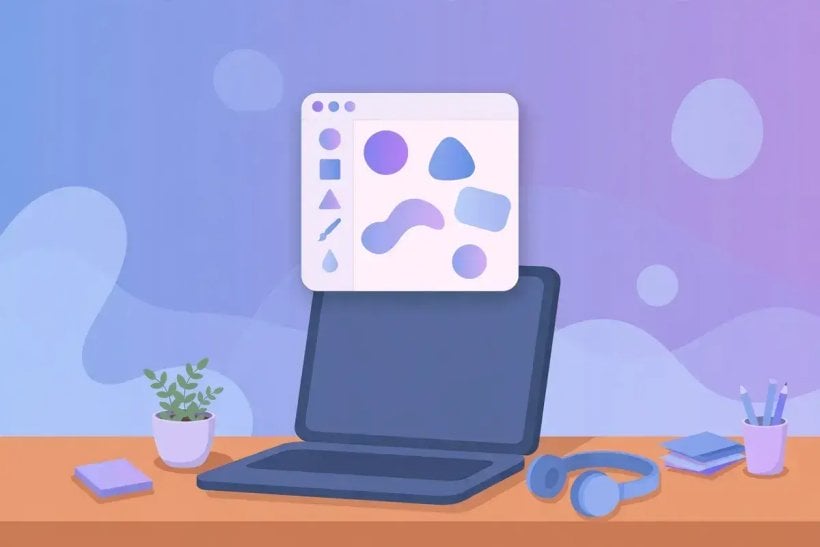
Claude artifacts can now leave the chat window and live on your desktop. Anthropic's new Install as app feature, rolling out in beta starting today, turns an artifact into a Mac or Windows app with its own icon and window.
From chat to desktop
An artifact used to live inside a Claude conversation, and that was the whole story. With this update, the same artifact opens in its own window with its own icon, and you can share it with others like any desktop app.
Building one needs no code and no packaging. Describe the app you want in a chat, test it as an artifact, then choose Install as app from the Share menu, and Claude asks you to confirm the installation before it installs.
An installed app can do things a browser tab cannot. With your permission it can send notifications while you work elsewhere, add a menu bar item on a Mac or a system tray icon on Windows, and float above other windows.
The demos show what is possible: custom terminals, file managers and video editors, all built by describing them to Claude and installing the result. An installed app can still call Claude and use your connectors, so it stays as capable as the artifact.
Permissions are the point
Because these apps run on your computer, every new ability needs your say-so. An app has to ask before it uses any feature, and you answer with Allow or Don't allow. Full computer access lets an app run programs and read, change or delete files without asking each time.
A permission covers only the current version of the app. After any update, including your own edits, Claude asks again, and a Don't allow stays until you change it. If an app comes from outside your organisation, or Claude cannot tell who made it, the permission request shows a warning.
Our read
This is the most consumer-friendly thing Anthropic has shipped in months. Turning a chat artifact into a desktop app removes the last barrier between 'Claude made me a tool' and 'I have a tool', and it needs no code at all.
The permission system is the real product here, and it is well judged. Re-asking after every update is annoying by design, and it is the only honest answer to apps that can read and delete your files without asking again.
The catch is dependence: you need to be online and signed in to Claude to open an app. Requests the app makes to Claude also count toward your plan's usage limits. A tool that dies without Wi-Fi is not a real desktop app yet, whatever its icon promises.
Why It Matters
Anyone can now build a personal desktop app by describing it, and share it with a link. That turns Claude from a place you visit into a workshop that ships software, and it puts simple app-building in reach of people who never code.
For Anthropic, it is a distribution play: every installed artifact is a small Claude outpost on a user's desktop every day. For users, the question is trust, and the permission prompts are where that trust gets earned or lost, one prompt at a time.
Background
The launch lands in a busy week for Claude's builders. Anthropic shipped Claude Ship, its pull-request agents, the day before, and opened its 10,000-plugin store to free users the same week, days after Claude's computer use reached Team and Enterprise plans.
Source: Anthropic's support doc and 9to5Mac's report.




0 Comments