

Vercel Labs has given AI agents a way onto the desktop. Its open-source agent-desktop tool, whose version 1.2.0 shipped on 5 November, lets an agent see and operate Mac, Windows and Linux apps through the operating system’s accessibility tree instead of screenshots. The new release adds an MCP server mode, so any MCP-capable agent harness can call the tool’s commands directly. The project is free under Apache-2.0 and has passed 18,000 GitHub stars.
What agent-desktop does
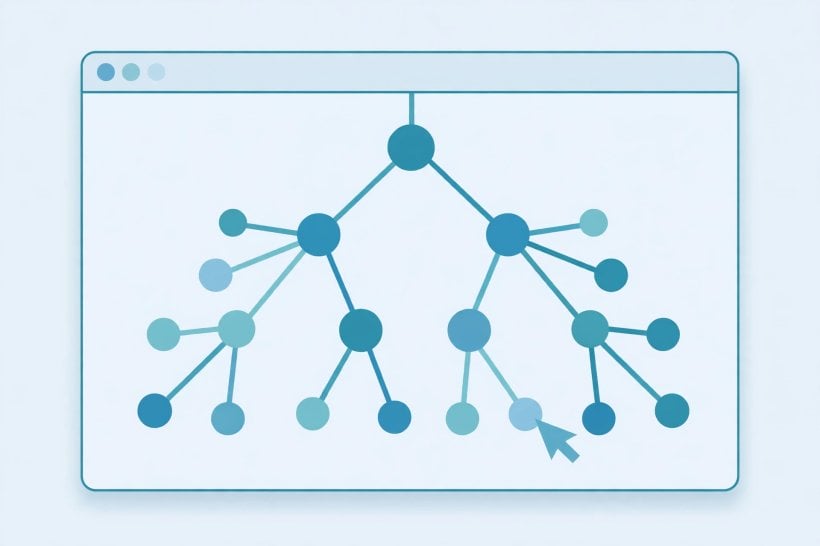
The tool reads an app’s accessibility tree and returns it as JSON, with a reference for every element the agent can act on. The agent clicks or types on a reference, then reads the interface again to check the result. There is no model inside agent-desktop: it is a command-line tool that hands control to the agent calling it.
It ships with 60 commands covering observation, clicks, typing, windows, clipboard, waiting and sessions. Actions run headless by default, without moving the pointer, and references belong to the snapshot that produced them: when the interface changes, the tool answers with a stale-reference error instead of guessing. A C library ships too, so a program can call it in process.
Version 1.2.0’s headline change is agent-desktop mcp, which serves every command as an MCP tool over stdio. Each tool takes its command’s name — desktop_snapshot, desktop_click, desktop_session_start — and returns the same JSON envelope the CLI prints. Global flags such as session, headed or trace apply to every call.
An agent harness that speaks MCP can now drive the desktop without shelling out to a command line at all. Until this release, reaching agent-desktop meant running its CLI from a shell or embedding its C library. The MCP server turns the same capability into a standard plug any MCP-capable harness can register.
That matters because the coding agents the tool is built for already live inside MCP-speaking harnesses, and the desktop becomes one more tool in that stack rather than a separate integration. The deeper bet is the accessibility tree itself. Screenshot-driven computer use asks a model to guess where buttons are from pixels.
Agent-desktop hands the agent exact references from the operating system instead, then lets it re-read the interface to confirm each action worked. The release notes carry no performance measurements, so the reliability edge remains a design claim rather than a proven one — but the mechanism is concrete, and it is the opposite of guessing from an image.
Our Read
The speed of the uptake is the story. Version 1.0.0 shipped on 28 October, the project moved under Vercel Labs two days later, and version 1.2.0 followed on 5 November — five releases in eight days, with the star count passing 18,000 in the same stretch.
Vercel Labs, the team behind the sibling agent-browser project, has landed on a gap every coding-agent builder recognises: agents could write code, but the desktop where the rest of work happens stayed out of reach. Enterprises, meanwhile, are being sold managed agents instead — Mistral’s Studio, launched the same week, takes that managed route.
The power cuts both ways. The README itself warns that snapshots, clipboard reads, screenshots and command output can contain private desktop content and should stay out of public logs. Headless-by-default operation avoids moving the pointer, but the agent still sees everything on screen.
A compromised or careless agent with desktop control is a far bigger blast radius than one confined to a terminal. Exposed agent tooling is already being abused in the wild, as the ARTEX exposure census showed, and embedded-browser flaws have shown how easily agents can be steered through the interfaces they operate.
It is also still a Labs experiment, not a supported product: free and open source, but with no support contract and an MCP mode that is two days old and unproven at scale. The 60-command surface is wide and the documentation is thorough, but teams adopting it are betting on a fast-moving open-source project rather than a finished platform.
Why It Matters
Computer use is moving from the browser to the whole machine. Coding agents have spent the year learning to write, test and review code; agent-desktop hands them the installers, native apps and system dialogs where the rest of software work happens.
With MCP support, that capability plugs into the harnesses developers already run instead of demanding a new one. The same week, Cursor’s cloud agents gained live-app deployment and Meta bought Conductor to run coding agents in parallel — the race is now about what agents can operate, not just what they can write.
Background
The repository began as a personal project in February 2026 and moved to the vercel-labs organisation at the end of October. Version 1.0.0 shipped on 28 October, 1.1.0 on 3 November fixed Windows behaviour, and 1.2.0 on 5 November added the MCP server. At the time of writing it has 18,103 stars and 1,297 forks on GitHub.
Source: agent-desktop releases on GitHub and the agent-desktop README


0 Comments