
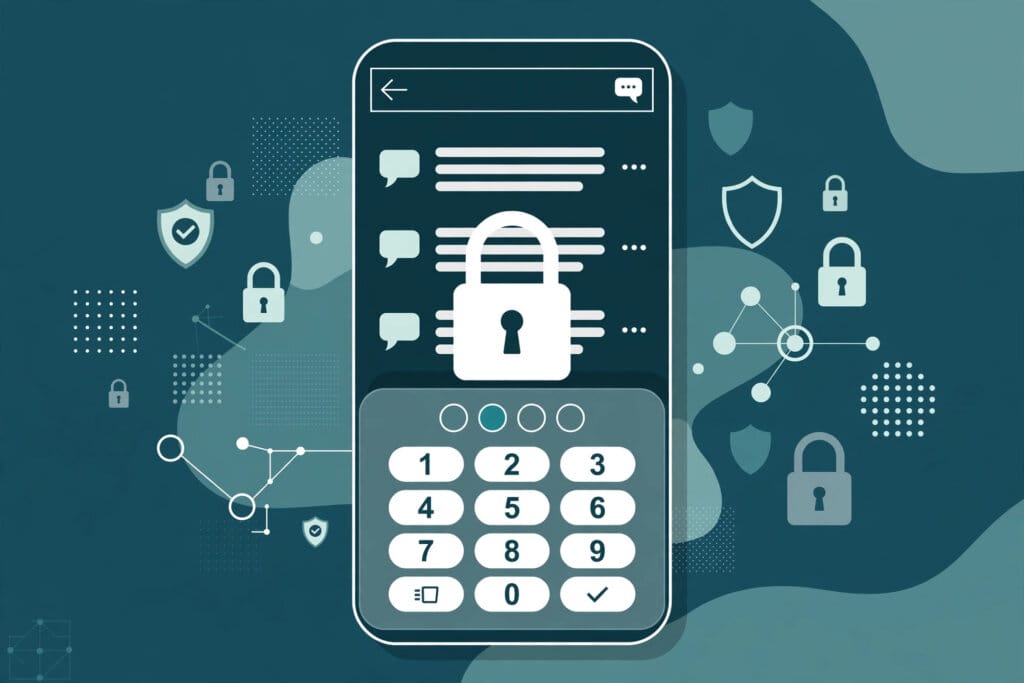
OpenAI is rolling out Locked Chats in ChatGPT, a feature that moves selected conversations out of regular chat history and behind a four-digit account PIN. OpenAI announced the feature on Tuesday, October 20, and documented it in a new help page, saying it is designed for sensitive conversations users may discuss on a shared screen or a shared device.
Once a chat is locked, its title and content disappear from regular history, pinned chats and regular conversation search. The conversation lives instead under Projects > Locked chats, and opening it requires the account PIN — or, on supported mobile devices, Face ID, Touch ID or the device unlock method.
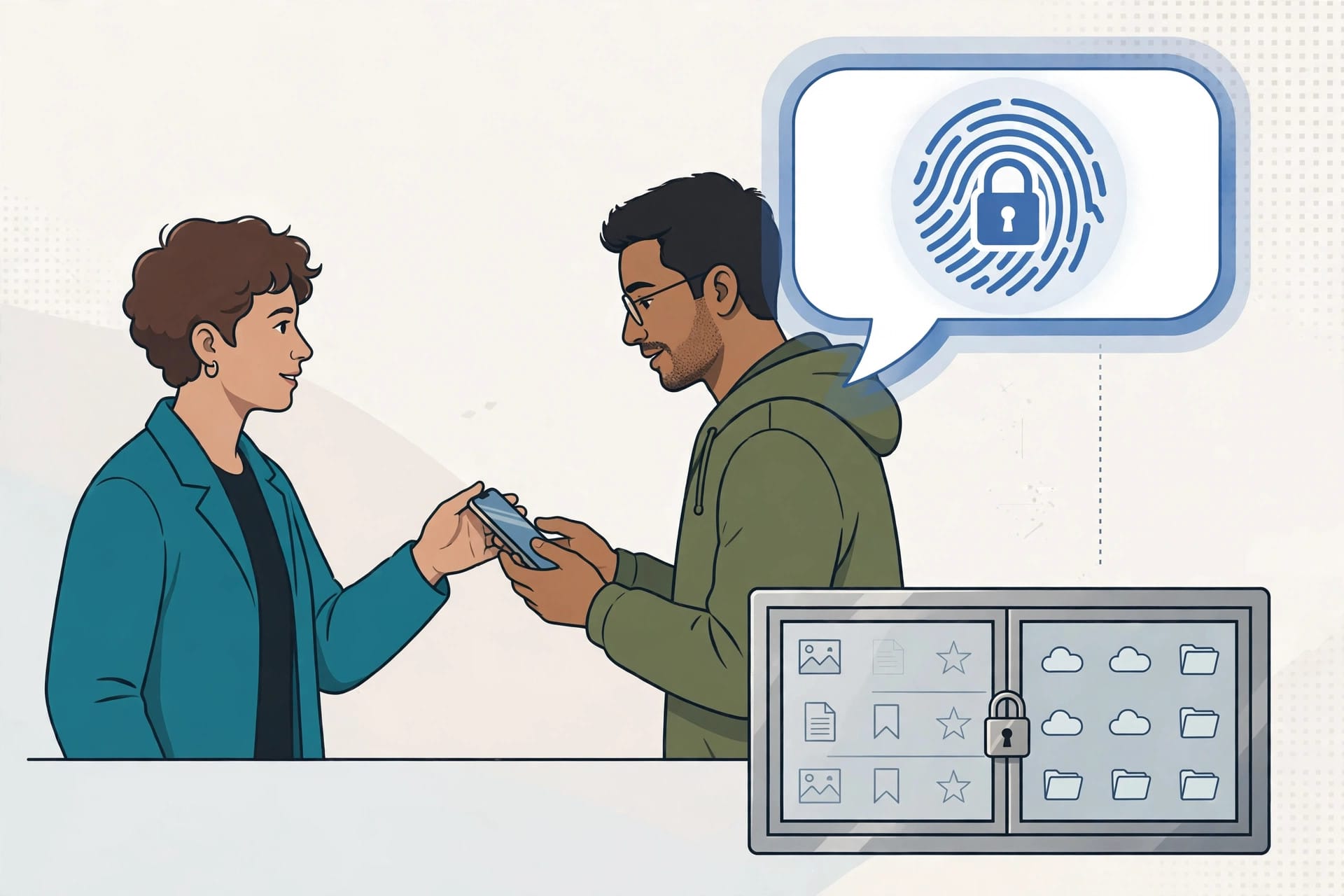
How Locked Chats Work In ChatGPT
Users lock an existing conversation from its more options menu, and ChatGPT prompts them to create a PIN the first time they lock a chat or open the locked area. The same PIN works across supported devices signed in to the same OpenAI account, while device authentication is configured separately on each device. After too many incorrect attempts, access is temporarily disabled until a retry period ends.
Access is temporary and scoped. On the web, entering the PIN unlocks the feature only in that tab; refreshing or closing the tab ends access. On iOS and Android, access ends automatically after one minute away from a locked chat or in the background, and a “Lock now” control ends it immediately. Voice works inside locked chats on the web and in the mobile apps, but not in the desktop app.
Locked Chats is rolling out gradually across ChatGPT Free, Go, Plus, Pro, Business, Enterprise and Edu plans, according to OpenAI’s documentation. It is not available on ChatGPT for Healthcare, and on desktop it covers eligible cloud conversations in Chat or Work mode — Codex conversations and local Work conversations cannot be locked. The feature sits alongside the privacy and sharing changes covered in our explainer on what ChatGPT is and what it can do.
Locked Chats: Memory, Files And The PIN Reset Rule
The most consequential detail is how Memory behaves. Locked chats can read relevant information from regular Memory, but information from new messages sent after a chat is locked is remembered only for use inside other locked chats — it does not carry into regular chats. Locking does not remove anything ChatGPT remembered before the chat was locked, and memories created inside locked chats are not automatically added to regular Memory if the chat is later unlocked.
Files follow the same separation. Files uploaded or created in a chat are protected when it is locked, and files saved to Space stay hidden there until the chat is permanently unlocked. Files brought in from elsewhere keep their existing access rules, and anyone who can open a locked chat can still copy its contents.
The sharpest edge is recovery. Resetting a forgotten account PIN permanently deletes all locked chats, the information stored only within them, and the files protected only by the old PIN — a step OpenAI says cannot be undone. Workspace administrators can neither unlock a user’s chats nor reset the PIN, although locked chats in Enterprise and Edu workspaces still appear in conversation logs on OpenAI’s Compliance Platform. The plan-by-plan picture is set out in our comparison of ChatGPT plans.
What Locking A Chat Does Not Change
OpenAI is explicit about the limits. Locking a chat does not create end-to-end encryption or a separate encrypted vault, does not change how long OpenAI retains the chat, and does not change the “Improve the model for everyone” setting. It also cannot override workspace policies, safety requirements or legal and compliance obligations.
Several conversation types cannot be locked at all: temporary chats, archived chats, group chats, chats created from a shared link, chats with scheduled tasks, chats with meeting recordings, chats tied to background tasks and chats with responses saved as project sources. A locked chat also cannot be archived, pinned, moved or shared until it is permanently unlocked, and ChatGPT cannot create or update a scheduled task from inside one. That contrasts with feature additions such as ChatGPT Slides in Space, which expanded what chats can produce rather than how they are kept private.
Why It Matters
Locked Chats is the central entity here, and its defining attribute is separation at the interface level rather than at the storage level. For ChatGPT’s hundreds of millions of users, the practical gain is real but narrow: a personal health question, a surprise being planned or a sensitive work draft stays out of view when a phone is handed to a friend or a screen is shared in a meeting. For employers and schools on Business, Enterprise and Edu plans, the compliance-platform carve-out means the feature hides chats from casual viewers, not from organisational oversight — a distinction IT teams will need to explain before staff treat locked chats as private from their employer. For rival assistants, a PIN-gated section with its own memory partition sets a privacy-feature baseline that competitors such as Claude and Gemini do not currently match in this form.
Background
ChatGPT’s privacy controls have grown in layers since the assistant’s 2022 launch: Temporary Chats kept one-off conversations out of history, Memory gave the assistant a persistent store of user facts, and controls over training data arrived after regulatory pressure in Europe and elsewhere. Locked Chats is the first control aimed squarely at the moment of physical access — the unlocked phone or the shared screen — rather than at OpenAI’s own servers, which is why its documentation spends as much space on what the lock does not do as on what it does.
Source: OpenAI Help Center — Using locked chats in ChatGPT; TechCrunch





0 Comments